



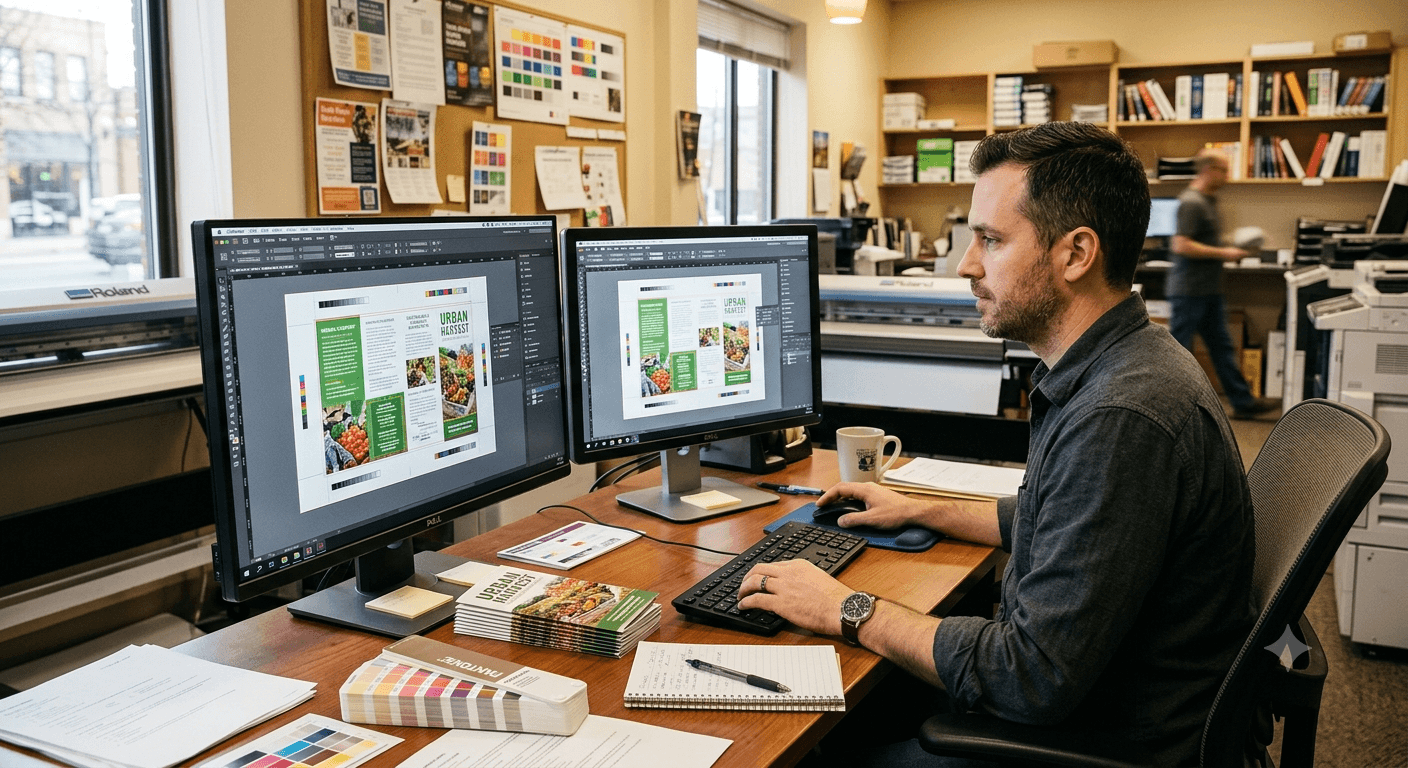
Most print delays in Boca Raton trace back to the same three file mistakes: missing bleed, RGB color instead of CMYK, and low-resolution images stretched past their limit. Catch these before you hit send, and a two-day turnaround stays a two-day turnaround. Here's what each one means, what it costs you when it slips through, and how a quick pre-press check protects your budget and your launch date.
What causes most print delays in Boca Raton?
The overwhelming majority of print delays come down to three preventable file errors: inadequate bleed, RGB color profiles submitted for CMYK printing, and low-resolution graphics stretched past their limit. None of these are hard to fix if they're caught early. The problem is that most files don't get checked until they're already loaded on press — exactly the moment a fix costs the most time and money.
Inadequate bleed: where white edges come from
Bleed is the extra artwork extending past the trim line — it's what keeps your design's color and imagery running edge to edge instead of leaving a thin, unintentional white border. Printing equipment can't cut with pixel-perfect precision every time, so that extra margin is what absorbs the slight shift. Picture a new menu for a restaurant near Mizner Park: if the background color stops exactly at the trim line instead of past it, any tiny variance in the cut leaves a pale sliver of unprinted paper around the edge — or worse, crops off part of the dish photography. That means a reprint, and a launch date pushed back while the file gets corrected.
RGB vs. CMYK: why your colors look off after printing
Screens display color by mixing light in RGB; printers build color by layering ink in CMYK — and that difference is exactly why a file built for a screen often looks duller or flatter once it's on paper. RGB can produce brighter, more saturated colors than CMYK ink can physically reproduce, so bold blues can shift teal and vibrant reds can turn brick-toned. Think about a Boca Raton real estate agent's brochure, where the brand logo needs to match the sign outside the office — if that file was never converted, the printed version can come out visibly duller than what's on the agent's monitor, which undercuts brand consistency at exactly the moment a listing needs to look sharp.
Low-resolution graphics: the pixelation problem
A useful rule of thumb: images need roughly 300 dpi at their final printed size to stay sharp. A logo pulled from a website is often built for 72 dpi screen display — fine on a monitor, but stretched onto a large banner or poster, it turns soft and pixelated fast. The bigger the final print, the more that gap shows. A quick resolution check before a file goes to press catches this before it becomes a blurry sign or banner with your name on it.
Your local file-prep partner
Minuteman Press Boca Raton reviews files before they ever reach the press — checking bleed, color mode, and resolution as standard practice, not an upsell. That's the difference between a print run that goes out on schedule and one that stalls in revisions. It's part of the shop's "Better Because We Choose to Be" approach: catching the small stuff so the big stuff — your deadline, your budget, your brand's first impression — doesn't take the hit. Whether it's brochures, postcards, or a full direct mail run, the same pre-press check applies before anything goes to press.
That local eye for detail extends beyond Boca Raton too. When a community group in Delray Beach needed flyers for their annual festival, walking through file prep upfront meant the colors and images came out sharp on the first run — no scramble to reprint before the event.
Common questions about print file prep
What file format should I submit for printing?
A high-resolution, print-ready PDF with fonts embedded or outlined is the safest bet. It preserves layout, color mode, and image quality in one file, which cuts down on the back-and-forth of chasing missing fonts or linked graphics.
How much bleed does my file need?
A standard 0.125 inches (1/8") of bleed on every edge covers most print projects, from business cards to brochures. Larger formats like banners may need more — worth confirming before you finalize the design.
Why did my printed colors come out different from my screen?
Your monitor displays RGB light; the press mixes CMYK ink, which has a narrower color range. Converting your file to CMYK before submission — and reviewing a proof — closes most of that gap before it becomes a surprise.

