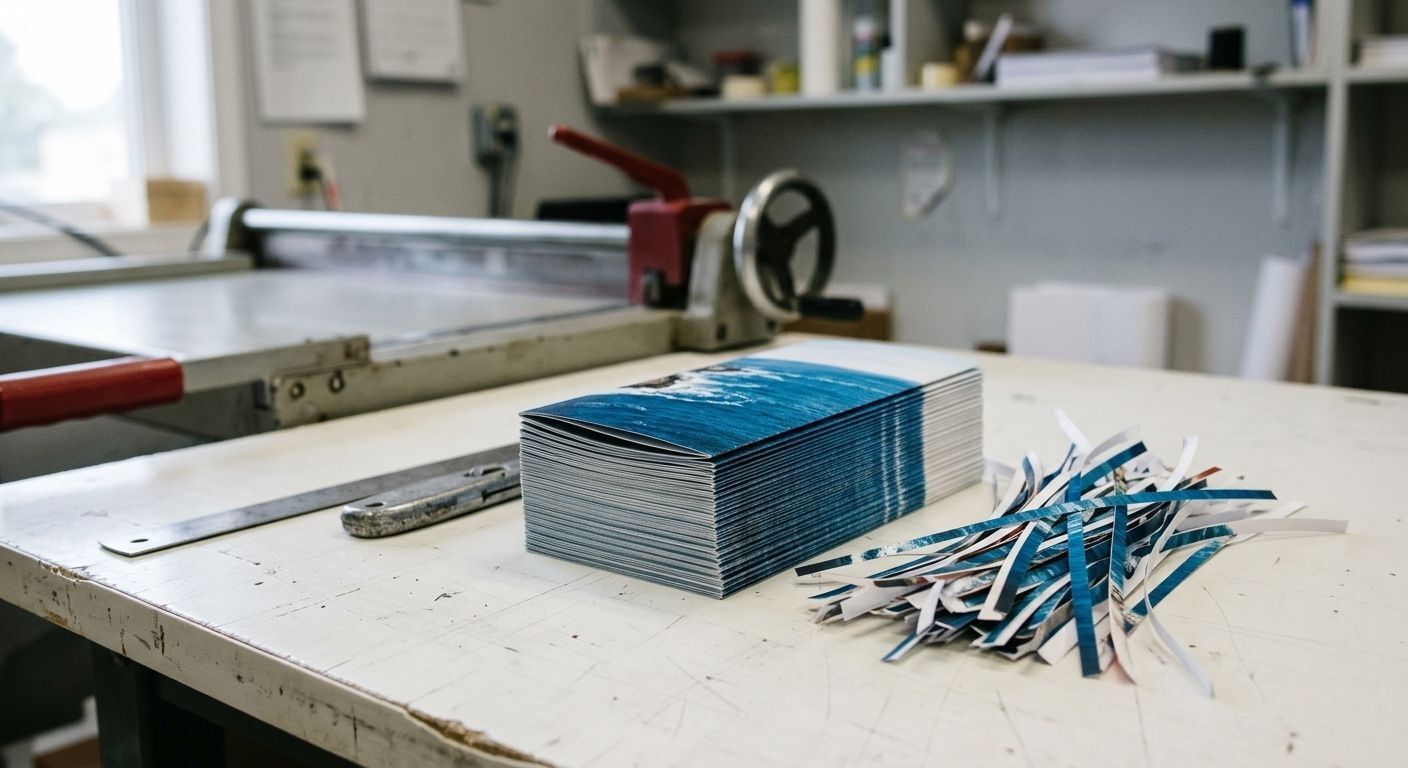
Print bleed is the extra 1/8 inch (0.125") of background color or image that extends past the edge of your design, so nothing but ink is left when the piece is trimmed. Commercial cutters can shift by a hair from sheet to sheet, and without that small cushion you can end up with thin white slivers along the edges of your flyers, menus, or brochures. If any part of your design touches the edge of the page, adding bleed to your file is the simplest way to get a clean, edge-to-edge finish.
It's one of the most common reasons a file gets sent back before printing, and one of the easiest to fix once you know what to look for. Here's how it works, how much you need, and how to set it up in the tools you're probably already using.
What is print bleed, in plain terms?
Most printed pieces aren't printed at their final size. Your business cards or postcards are printed several-up on a larger sheet, then cut down to size. Bleed is the part of your design that gets cut off on purpose. By stretching background colors and photos slightly past the final edge, the blade always lands on printed area instead of blank paper.
Think of it like painting a wall: you tape off the trim and paint a little past the line, so when the tape comes off, the color goes all the way to the edge.
The three lines every print-ready file has
Once you understand these three boundaries, setting up a print file stops feeling technical:
- Bleed line — the outer edge, 1/8" beyond the final size. Background colors and edge-to-edge images should reach this line.
- Trim line — the finished size of your piece (for example, 3.5" × 2" for a standard business card). This is where the cut happens.
- Safe zone — an imaginary margin about 1/8" inside the trim line. Keep logos, phone numbers, and important text inside it so nothing gets clipped.
Bleed protects your backgrounds. The safe zone protects your words. A well-built file needs both.
How much bleed do I need for printing in Boca Raton?
For most printed pieces, you need 1/8 inch (0.125") of bleed on every side. That means your file should be 1/4 inch wider and 1/4 inch taller than the finished size.
- Business card (3.5" × 2") → file size 3.75" × 2.25"
- Postcard (6" × 4") → file size 6.25" × 4.25"
- Flyer (8.5" × 11") → file size 8.75" × 11.25"
A few products follow different rules. Large format banners that get hemmed or grommeted, and booklets with many pages, may need extra room. If you're unsure, ask us before you finalize your design and we'll give you the exact specs for your project.
Why does paper shift during cutting?
Printed sheets are stacked and cut in batches on a commercial cutter. Even with precise equipment, a stack of paper can move very slightly under the blade, and paper itself can shift a tiny bit as it runs through the press. We're talking fractions of a millimeter, but on a design with a dark background, that's enough to show a visible white line. Bleed turns a small, normal variation into something no one will ever notice.
How to add bleed in Canva, Adobe, and Word
Canva
Turn on Show print bleed in the File settings menu, stretch your backgrounds to the outer edge, then download as PDF Print with the crop marks and bleed box checked.
Adobe InDesign or Illustrator
Set a bleed of 0.125 in on all sides in Document Setup, extend your artwork to the red bleed guide, and export a PDF with "Use Document Bleed Settings" turned on.
Microsoft Word or PowerPoint
These programs don't have a true bleed setting. The workaround is to make the page 1/4" larger than your final size and extend images past the edges, but this can get tricky. For anything important, it's often faster to send us the file and let our design team prepare it.
Where bleed makes the biggest difference for local businesses
- Restaurant menus — a dining spot near Mizner Park showing off full-color food photography needs those images to run cleanly to the edge.
- Real estate brochures — agents marketing waterfront homes in Highland Beach or East Boca rely on edge-to-edge photos to make listings feel premium.
- Event signage and flyers — organizers promoting community events at spots like Sugar Sand Park need bold, full-coverage color that looks sharp from a distance.
- Postcards and direct mail — a white sliver on a mailer is the first thing a recipient notices, and it can make an otherwise strong offer look careless.
Let our pre-press team handle the details
You shouldn't need to be a print technician to get a professional result. Our team reviews files before they go to press and can help add bleed, adjust safe zones, or rebuild a layout that wasn't set up for print. Whether it's business cards, brochures, or large format banners, our graphic design services make sure your files are print-ready for businesses across Boca Raton and Palm Beach County.
Ready for a clean, edge-to-edge finish?
Send us your file and our team will make sure it's print-ready before it hits the press.